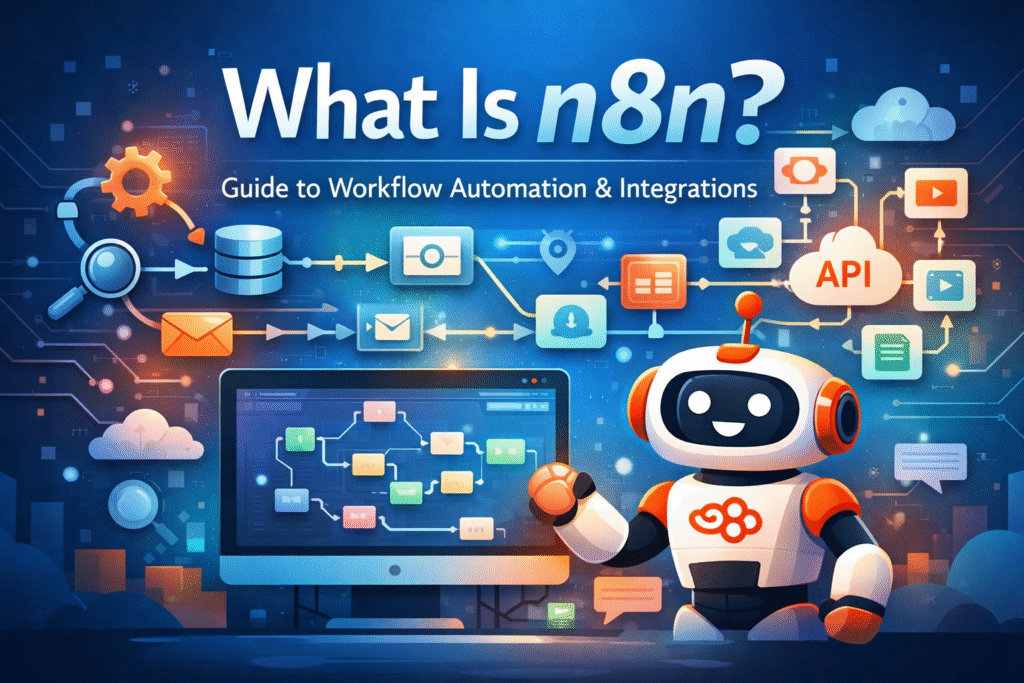
Automation is no longer a luxury in modern digital operations. Marketing teams, developers, analysts, and operations managers increasingly rely on automated workflows to connect tools, move data, and trigger actions across platforms. One of the fastest-growing tools in this space is n8n — a flexible workflow automation platform that combines no-code usability with developer-level control.
But what is n8n exactly? How does it work, how does it differ from tools like Zapier and Make, and when should you use it instead of other automation platforms?
This guide explains what n8n is, what you can do with it, how it compares to alternatives, and how marketers and technical teams can use it in practice.
What is n8n?
n8n (pronounced “n-eight-n”) is an open workflow automation platform that allows you to connect apps, APIs, databases, and services into automated workflows. It is designed to automate processes, synchronize data, and trigger multi-step logic across tools.
At its core, n8n lets you build workflows visually using nodes. Each node represents a system, trigger, or action — such as receiving a webhook, pulling data from an API, updating a CRM, sending an email, writing to a spreadsheet, triggering a marketing action, or running custom code.
You connect nodes together into a flow that defines your logic and automation path. What makes n8n different is that it sits between no-code automation tools and developer automation frameworks. It offers a visual builder but also allows deep customization with JavaScript, expressions, and direct API control.
How n8n works
An n8n workflow typically consists of three core elements: triggers, nodes, and logic/transformation steps.
Triggers
A workflow starts with a trigger. This could be a webhook call, a schedule (cron job), a new form submission, a database change, a new row in a sheet, an incoming message, or an app event. The trigger defines when the automation should run.
Nodes
Nodes are the building blocks of the workflow. Each node performs an action such as fetching data from an API, transforming data, filtering conditions, sending data to another tool, running code, or making decisions. You chain nodes together to build logic.
Logic and transformations
Unlike many basic automation tools, n8n supports more advanced workflow design, including:
- Conditional branching
- Data mapping
- Expressions
- Looping
- Error handling
- Code execution
This makes it suitable for workflows that go beyond simple “if this, then that” automations.
What can you do with n8n?
n8n is highly flexible and can be used across technical and marketing domains. Below are the most common categories of use cases.
Marketing automation workflows
Marketing teams use n8n to automate cross-platform processes such as:
- Lead form → CRM → email sequence → Slack notification
- Ad platform → data warehouse → dashboard update
- Newsletter signup → segmentation → tag assignment
- Webinar registration → calendar and reminder flows
- Content publishing pipelines
Because n8n supports API-first workflows, it is especially useful when tools do not have native integrations.
Data synchronization
n8n is often used to keep data consistent across systems:
- CRM ↔ marketing automation
- CMS ↔ analytics database
- E-commerce ↔ fulfillment tools
- GA4 exports → spreadsheets → dashboards
- API → database → reporting layer
These syncs can be event-driven or scheduled, depending on your operational needs.
API orchestration
One of n8n’s strongest areas is API orchestration. You can chain multiple APIs, transform payloads, merge data sources, apply business logic, and effectively build your own middleware layer. This is valuable when tools don’t connect directly but expose APIs you can use.
AI and LLM workflows
n8n is increasingly used for AI workflows such as:
- Prompt → AI model → output → CMS draft
- AI enrichment → CRM update
- AI classification → routing logic
- Document → extraction → database
- Chatbot backend workflows
Because you can control prompts, parsing, and routing, n8n works well as an AI workflow engine rather than only a “connector tool.”
Internal operations automation
Beyond marketing, teams use n8n for operational automation:
- Ticket routing
- Incident alerts
- Monitoring triggers
- Data validation flows
- Internal reporting pipelines
In many stacks, n8n becomes a glue layer between internal systems and third-party tools.
n8n vs Zapier vs Make
To understand n8n, it helps to compare it with two popular automation platforms: Zapier and Make (formerly Integromat). While all three solve “tool-to-tool automation,” they differ in philosophy, flexibility, and complexity.
n8n vs Zapier
Zapier is designed for maximum ease of use with a large library of pre-built integrations.
Zapier strengths
- Very beginner-friendly
- Large app integration library
- Fast setup for common tasks
- Strong guided UI
Zapier limitations
- Complex logic often requires higher-tier plans
- Costs scale quickly with usage
- Less flexible for custom API handling
- Not ideal for advanced branching and transformations
Why choose n8n over Zapier?
- More flexible logic and workflow design
- Better API-first capabilities
- Custom code execution
- Self-hosting option for data control
Zapier is ideal for quick, simple automations. n8n is better once workflows become complex or highly API-driven.
n8n vs Make (formerly Integromat)
Make is often seen as a middle ground: more visual flexibility than Zapier, but still SaaS-first.
Make strengths
- Strong visual scenario builder
- Good logic controls for non-technical users
- Powerful data mapping
- Large integration ecosystem
Make limitations
- Still primarily SaaS-driven
- Less developer-extensible than n8n
- Custom logic and code control is more limited
Why choose n8n over Make?
- Open architecture and extensibility
- Self-hosting for compliance and cost control
- Custom node creation
- Better support for code-based customization
Make is strong for visual automation. n8n tends to win when you need deeper control, custom nodes, or self-hosting.
Key advantages of n8n
Several characteristics make n8n attractive for advanced users and growing teams.
Open and extensible
Because n8n is open source at its core, you can extend it, inspect how it works, create custom nodes, and avoid full dependence on a black-box platform.
Self-hosting option
n8n can run in your own infrastructure. This can be important for teams that need data control, compliance guarantees, predictable costs, or private network access.
Developer + no-code hybrid
n8n supports both visual building and technical customization through JavaScript, expressions, and API logic. This makes it a practical collaboration layer between marketers and developers.
Strong API handling
n8n treats APIs as first-class citizens. You can build raw HTTP requests, manage authentication, parse responses, and map complex payloads without relying purely on pre-built connectors.
Limitations of n8n
n8n is powerful, but the trade-off is complexity.
Higher learning curve
Compared to Zapier, n8n requires more understanding of data structures, APIs, JSON payloads, and workflow logic. Teams should plan onboarding time.
Fewer native integrations out of the box
Zapier often provides one-click integrations. With n8n, you may need to configure API requests or combine nodes manually. This offers flexibility but can increase setup time.
Infrastructure responsibility (when self-hosted)
If you self-host n8n, you manage uptime, scaling, and security. This is a benefit for control, but it also becomes your responsibility.
When should you use n8n?
n8n is especially suitable when you need complex workflows, heavy API usage, advanced transformations, AI steps, or custom integrations. It is also a strong choice if self-hosting is important for your organization.
n8n is less ideal when you only need simple automations, want zero technical setup, or rely almost entirely on ready-made connectors with minimal configuration.
Example: a practical marketing workflow in n8n
Consider a content marketing workflow that connects strategy, automation, and publishing:
- A new topic is added to a spreadsheet
- n8n triggers a workflow
- An AI model generates a draft outline
- An SEO tool enriches the outline with keywords
- The draft is pushed to a CMS as a concept post
- A Slack message is sent to the editor
- A reporting dashboard is updated
This is a multi-tool process, but n8n can orchestrate the entire chain in one workflow, with full logic control and consistent data handling.
The strategic role of n8n in modern stacks
Modern marketing and growth stacks are increasingly fragmented: analytics, CRM, AI tooling, CMS environments, ad platforms, and data warehouses all live in separate systems. n8n can act as a workflow backbone between them.
Instead of relying only on native integrations, teams can design their own logic layer. Strategically, this matters because stacks become more API-driven, more AI-integrated, and more dependent on reliable data flows.
Final thoughts
n8n is not just another automation tool. It is a workflow engine that bridges no-code usability with developer-level control. For marketers, analysts, and technical teams who want more than simple trigger-action flows, it provides flexibility that most SaaS automation tools cannot match.
If your workflows involve multiple APIs, data transformations, AI steps, or cross-system orchestration, n8n is worth serious consideration. It requires more thinking and setup than beginner tools, but it provides significantly more control and scalability in return.